Nos articles de blog sont rédigés en anglais. Le reste du site est disponible dans votre langue.
Content
Content gap analysis: find what competitor pages cover
A content gap analysis shows what competitor pages cover that yours doesn't. This guide walks through a page by page method, what to compare, and how to turn gaps into edits that help readers.
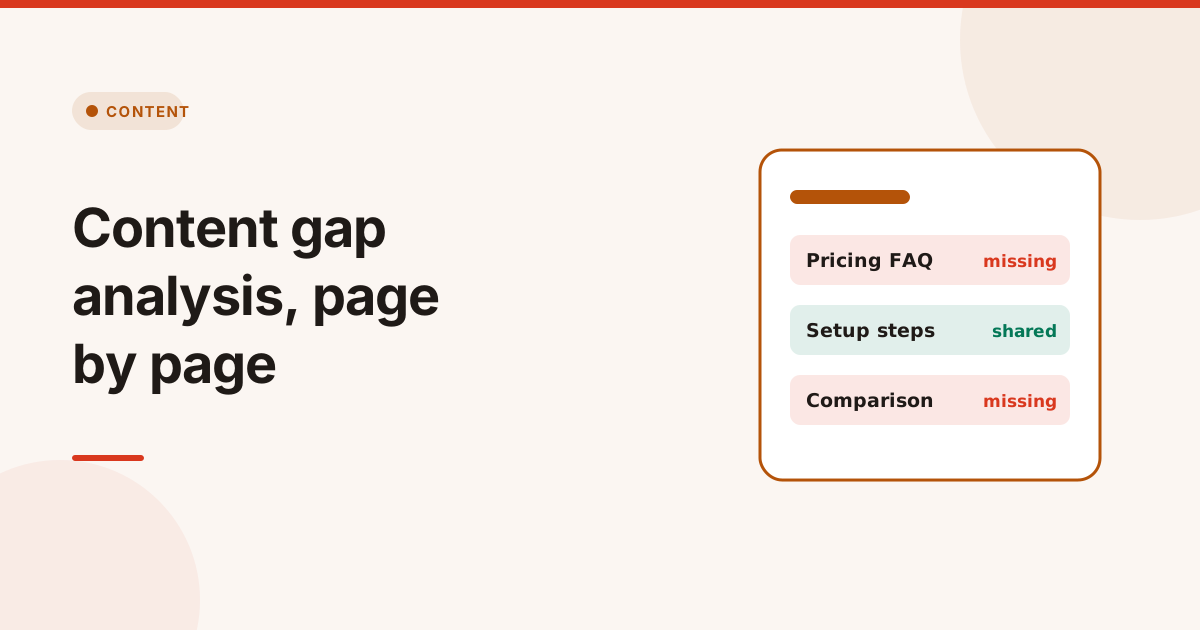
A content gap analysis compares your page with the pages that rank for the same search, and lists the topics, sections and questions they cover that yours doesn't. Done well, it tells you exactly what to add, and just as usefully, what to leave out.
There are two kinds of content gap analysis. A keyword gap compares which search terms whole sites rank for, which needs ranking data from an SEO platform. A page gap compares the content of specific pages, which you can do with nothing more than the pages themselves. This guide focuses on the page gap, because it leads straight to edits.
What is a content gap analysis?
A content gap analysis is a structured comparison between your content and competing content for the same intent. The "gap" is anything a searcher expects to find that your page doesn't give them: a missing step, an unanswered question, a comparison table, a definition, a price range.
It is not about copying. Competitor pages show what searchers and Google currently treat as a complete answer. Your job is to cover what is genuinely useful, in your own words, and then add what none of them have.
How to do a content gap analysis in 6 steps
1. Pick one page and one search intent
Start with a page that already gets impressions but sits on page two or lower. Write down the search it should answer, such as "how to set up SPF records", and what the searcher wants to do afterwards.
2. Choose 3 to 5 competitor pages
Search the query and take the pages ranking above you that serve the same intent. Skip forums and video results if your page is an article, and skip giant brands if their page is a different format altogether.
3. Compare the outline
List the H2 and H3 headings of each page side by side. Outlines show structure fast: which subtopics everyone covers, which only one covers, and which none cover.
4. Compare questions and topics
Note the questions each page answers, including its FAQ, and the terms it uses often. A topic that appears on every competitor page but never on yours is a strong candidate.
5. Compare the supporting elements
Check tables, examples, images, structured data, internal links and how recently each page was updated. Sometimes the gap isn't a topic at all, but a missing table or an outdated year.
6. Decide what to add, and what not to
Sort every gap into three groups:
| Group | What it means | Action |
|---|---|---|
| Shared by most competitors | Searchers expect it | Add it, in your own words |
| Covered by one competitor | Might be useful, might be filler | Add only if it helps your reader |
| Covered by nobody | A chance to stand out | Add real data, examples or steps |
What to compare between pages
A useful comparison goes beyond word count. These are the elements that most often explain why one page answers a search better than another:
- Headings and sections: the shape of the answer.
- Questions: what the page answers directly, in text or an FAQ.
- Topics and terms: the vocabulary of the subject.
- Structured data: FAQ, HowTo, Product or Article markup.
- Internal links and anchors: how well the page connects to the rest of the site.
- Metadata: title, description and how clearly they match the intent.
- Freshness: visible dates and current facts.
Word count is a result, not a goal. A longer page isn't better if the extra words don't answer anything.
A content gap analysis example
Here is what the output of a page gap looks like for a guide targeting "how to set up SPF records". The pages and results below are an illustration, not real data:
| Section or question | Your page | Competitor A | Competitor B | Competitor C |
|---|---|---|---|---|
| What SPF is | Yes | Yes | Yes | Yes |
| Step by step setup | Yes | Yes | Yes | Yes |
| The 10 lookup limit | No | Yes | Yes | No |
| SPF for Google Workspace and Microsoft 365 | No | Yes | Yes | Yes |
| How SPF works with DMARC | No | Yes | No | Yes |
| A tool to check the record | Yes | No | Yes | No |
Reading it is simple. The provider specific setup appears on all three competitors and not on yours, so it goes first. The lookup limit and DMARC sections appear on two of three, so they come next. Your checker link is something most competitors lack, so keep it prominent.
Content gap analysis mistakes to avoid
- Copying competitor sections. Covering a topic is fine. Rewriting their paragraphs is not, and it adds nothing a reader can't already find.
- Chasing every gap. If one competitor has a section on company history, your how-to guide doesn't need one.
- Ignoring intent. A product page and a tutorial can rank for similar words but answer different needs.
- Treating a gap as the reason for a ranking. A missing section is one possible factor. Links, authority and site quality matter too.
- Never checking again. Competitors update their pages. Repeat the comparison every few months.
Google's guidance on creating helpful content is a good test for every addition: would a reader who came for this topic leave satisfied?
Run a content gap analysis with Competitor Page Compare
Competitor Page Compare does the page gap for you. Enter your page and a few competitor URLs, and it reads each page once, obeying robots.txt, then compares headings, sections, topics, FAQs, structured data, internal links and metadata. You see what is present or missing on each page, with a saved copy of every page as proof.
It shows page facts only, with no keyword volume, difficulty or rankings, so the comparison stays honest about what it measures. Turn a finding into a task in the Fix Tracker, and run the comparison again after your edit to confirm the gap is closed. For a wider check of the page itself, the SEO Issue Checker covers titles, canonicals and indexing.
Mots clés
- content gap analysis
- competitor analysis
- on-page seo
- content strategy
Questions et réponses
What is a content gap analysis in SEO?
It is a comparison between your page and the pages that rank for the same search. It lists the topics, sections and questions they cover that yours doesn't, so you know what to add.
How do I find content gaps?
Take one page and its target search, pick 3 to 5 competitor pages with the same intent, and compare their headings, questions, topics, tables and structured data with yours. Gaps shared by most competitors come first.
Is a content gap analysis the same as a keyword gap analysis?
No. A keyword gap compares which terms whole sites rank for and needs ranking data. A content gap compares what specific pages actually say, which leads directly to edits.
How often should I run a content gap analysis?
Run it when a page stalls on page two or lower, and again every few months for important pages, because competitor pages change too.