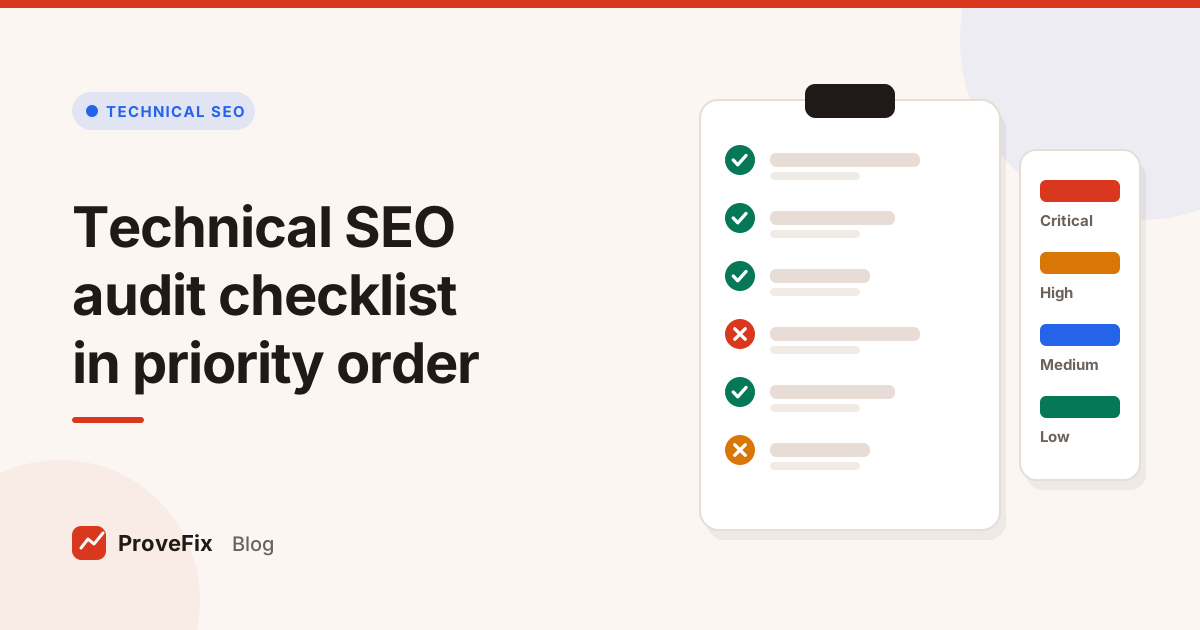
Technical SEO audit checklist in priority order | ProveFix
Nos articles de blog sont rédigés en anglais. Le reste du site est disponible dans votre langue.
Technical SEO
Technical SEO audit checklist: what to check, in priority order
A complete technical SEO audit checklist that runs from crawl access and indexing to status codes, canonicals, sitemaps, links, speed and hreflang, with a simple way to rank what you find.
Par Editorial team··7 min de lecture·Mis à jour le
A technical SEO audit checklist is a fixed list of checks that confirms search engines can reach, read and index your site, run in order of risk. Start with crawl access and indexing, then status codes and redirects, then canonicals, sitemaps, internal links, speed and international setup.
This guide gives you a complete technical SEO audit checklist, explains why each check matters, and shows you how to rank what you find so your client hears about the biggest risks first.
In this guide
What a technical SEO audit checks
How to run the audit in 6 steps
The full checklist, section by section
How to prioritise findings
Common mistakes, and how to turn findings into fixes
What does a technical SEO audit check?
A technical SEO audit checks whether search engines can crawl your pages, work out which version to index, and render them well for visitors. It leaves keyword choice and copy quality to an on-page review and focuses on the plumbing: server replies, directives, duplicates, links and speed.
Think of it as three questions in order. Can Google reach the page? Is Google allowed to index it? Does the page send clear, consistent signals about which URL is the real one? If the answer to the first question is no, nothing below it matters.
How to run a technical SEO audit in 6 steps
Run the audit in a fixed order so you never polish meta descriptions while the whole site is blocked.
Agree the scope. Write down the domain, subdomains, languages and the pages that earn money. A checkout page matters more than a tag archive.
Collect what Google sees first. Fetch robots.txt, the XML sitemaps and the home page headers before you crawl anything.
Crawl the site. Use a crawler at a polite speed, obey robots.txt, and save the status code, canonical, directives, title and links for every URL. Our guide on how to use a website crawler for an SEO audit covers the settings.
Run the checklist below against the crawl data, one section at a time.
Score each finding by severity, the number of URLs affected and how important those pages are.
Write a ticket with proof for every finding worth fixing, and plan a re-check for each one.
The technical SEO audit checklist, section by section
The technical SEO audit checklist below runs from the checks that can hide a whole site down to the ones that tidy single pages. Work from top to bottom and escalate anything critical the moment you see it.
1. Crawl access and robots.txt
robots.txt returns 200, or a 404 if you have no rules. Google treats a server error on robots.txt as if the whole site were blocked for a while, so a broken file is an emergency. The Google robots.txt specification explains how each status code is handled.
No Disallow rule blocks an important folder, or the CSS and JavaScript pages need to render.
The file is under 500 KiB. Google ignores rules past that size.
A Sitemap line points to your sitemap index.
Remember that robots.txt controls crawling, not indexing. A blocked URL can still appear in results, just without a description.
2. Indexing directives
Pages you want in search carry no noindex, either in a meta robots tag or in an X-Robots-Tag header.
Pages you want out of search stay crawlable, so Google can see the noindex. Blocking them in robots.txt hides the tag.
Staging and test hosts are noindexed or behind a password.
No recent template change has added noindex to a whole page type.
3. Status codes and redirects
Code
What it tells search engines
What to check
200
The page exists and can be indexed
Real content, not an error page served with 200 (a soft 404)
301 or 308
Permanent move
One hop, ending on a 200 page
302 or 307
Temporary move
Used only for moves that really are temporary
404 or 410
The page is gone
Not linked internally; removed pages with links redirect to the closest match
429 or 503
Slow down, or unavailable for now
Short periods only; Google crawls less, and long runs can drop URLs
500 range
Server error
Never on key pages; check the server logs
No redirect chains longer than one hop, and no loops.
No internal links that point to redirected URLs.
HTTP redirects to HTTPS, and one host version (with or without www) wins.
4. Canonicals and duplicates
Each indexable page has exactly one canonical tag. Conflicting tags can lead Google to ignore them all.
The canonical target returns 200, is indexable and is not redirected.
Canonicals use absolute URLs.
Sort, filter and tracking variants point to the clean URL.
Exact duplicate pages are merged or canonicalised.
A canonical is a strong hint, not a command. Google can pick a different URL when your internal links and sitemap disagree with it, so keep all three consistent.
5. XML sitemaps
The sitemap loads and is valid XML.
Each file holds no more than 50,000 URLs or 50 MB uncompressed.
Every listed URL returns 200, is indexable and is its own canonical.
Important pages are listed, and crawled pages missing from the sitemap are reviewed.
lastmod shows the real date a page changed, not the build date.
A sudden jump or drop in URL count has a known cause.
6. Internal links and site structure
No broken internal links.
Important pages are a few clicks from the home page, not buried at depth eight.
Orphan candidates, meaning pages in the sitemap with no internal links pointing in, are found and linked.
Links are real <a href> elements that a crawler can follow, not click handlers.
Anchor text describes the target page.
7. Technical on-page basics
Every indexable page has a title and a clear main heading.
Titles and descriptions are not duplicated across a whole template.
More than one H1 is something to review, not an error by itself.
Images have alt text and sensible file sizes.
8. Rendering and JavaScript
Main content and links are in the HTML, or render without a click or scroll.
If a crawl shows empty pages, check rendering before you report missing tags.
Blocked script or style files don't break the rendered page.
9. Page experience and Core Web Vitals
Largest Contentful Paint is 2.5 seconds or less, Interaction to Next Paint is 200 milliseconds or less, and Cumulative Layout Shift is 0.1 or less, at the 75th percentile of real visits. The Web Vitals overview on web.dev defines each metric.
HTTPS everywhere, a valid certificate and no mixed content.
The layout works on a phone.
10. International setup and hreflang
Each language version lists every other version and itself.
Every hreflang link has a return link from the other page.
Codes are valid, such as en, en-GB or fr-CA, and x-default is set where you have a language chooser.
hreflang targets are canonical, indexable pages that return 200.
11. Availability and certificates
The site loads from more than one location, and outages are confirmed before anyone panics.
The SSL certificate is nowhere near expiry.
DNS answers consistently.
How to prioritise findings from your technical SEO audit checklist
Rank findings by severity first, then by the number of URLs affected, then by how important those pages are to the business. A short, ordered list gets fixed. A list of 300 equal items gets ignored.
Priority
Example findings
When to act
Critical
robots.txt errors, a new noindex on a live template, site down
Same day
High
Canonicals to broken URLs, 5xx on key pages, redirect loops
Here is a worked example. Say an audit of a 3,000 page store finds 40 broken internal links, 600 product pages with no meta description and a canonical on every category page pointing to a redirected URL. The canonical problem goes first, because it affects a whole template and sends mixed signals on pages that earn money. The broken links come second. The descriptions wait.
Common technical SEO audit mistakes
Most weak audits fail the same way: they report scores instead of facts and never check the fix.
Reporting a tool score as the finding. Clients need the URL, the problem and the proof, not a health percentage.
Treating length guidance as a rule. Title and description lengths are guidance; Google rewrites snippets anyway.
Blocking a URL and adding noindex. If robots.txt blocks the page, Google never sees the noindex.
Skipping rendering. A JavaScript site can look empty to a simple crawler, and you end up reporting tags that are really there.
Calling every drop a punishment from Google. An audit sees technical signals. It does not see Google's decisions, so say what you found and what it may affect.
Auditing once. A single deploy can undo months of work. Repeat the high risk checks often.
Turn the checklist into fixes that stick
An audit only matters once its findings become fixed and verified tasks. Give each finding its proof (URL, status, header or snippet, time), an owner and a test that shows it passes.
For a single page, the Technical SEO Checker shows in a few seconds whether it can be crawled and indexed, with its canonical, hreflang, headings and HTTP headers. The Broken Link Checker and Redirect Checker cover the link and redirect items above.
Turning findings into verified fixes is the gap this platform closes. Its SEO Issue Checker runs plain code rules for robots.txt, noindex, canonicals, sitemaps, titles and broken links, each saved with its proof. The Fix Tracker turns a finding into a ticket and runs the same check again when the developer says it is done. For the re-check method itself, read what a client SEO report should include.
Mots clés
technical seo
seo audit
checklist
crawling
indexing
Questions et réponses
How often should I run a technical SEO audit?
Run a full technical SEO audit when you take on a site, before and after a migration, and at least every few months after that. Between full audits, watch the high risk items continuously: robots.txt, noindex, canonicals and uptime. Most damage comes from a single deploy, so a quarterly audit alone can miss it for weeks.
What is the difference between a technical SEO audit and an on-page audit?
A technical SEO audit checks whether search engines can reach, read and index your pages. An on-page audit checks whether each page answers its search well: title, headings, copy, links and media. You need both, but technical problems come first, because a perfect page that can't be indexed earns nothing.
Can robots.txt remove a page from Google?
No. robots.txt stops crawling, not indexing, so a blocked URL can still show in results if other pages link to it. To keep a page out of search, let Google crawl it and add a noindex meta tag or X-Robots-Tag header.
Which technical SEO issues should I fix first?
Fix anything that can hide many pages at once: a robots.txt that errors or blocks key folders, a new noindex on a template, a site that is down, or canonicals that point to broken URLs. After that, sort by the number of affected URLs and how important those pages are to the business.
Do Core Web Vitals matter in a technical SEO audit?
Yes, as one part of page experience. The good thresholds are LCP of 2.5 seconds or less, INP of 200 milliseconds or less and CLS of 0.1 or less, measured on real visits. Treat them as a priority for key templates, not as a reason to delay crawl and indexing fixes.