Nos articles de blog sont rédigés en anglais. Le reste du site est disponible dans votre langue.
Technical SEO
How to find and fix broken links on your website
Broken links waste crawl time, frustrate visitors and lose the value of links that used to work. Here is how to find them, decide what to do with each one, and stop new ones from creeping in.
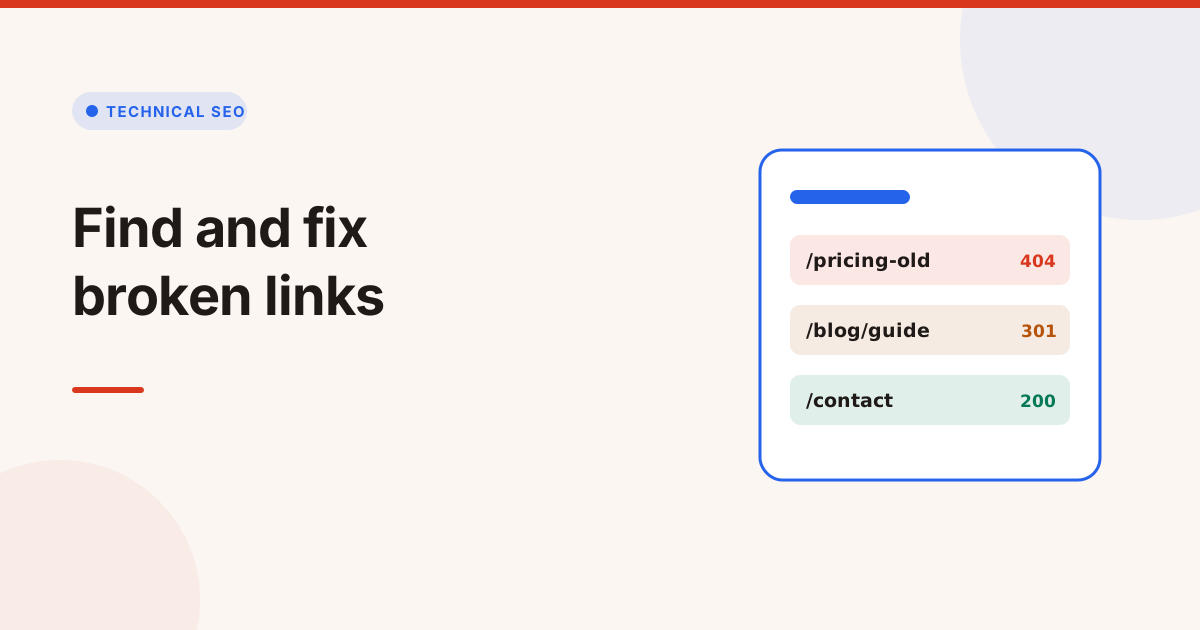
To fix broken links, find every link that returns an error, then either update it to the right address, redirect the old address, or remove the link. Start with internal links on your most visited pages, because those are fully in your control and the ones visitors hit most.
A broken link is a link whose target no longer works. Most are 404s, but dead domains, server errors and timeouts count too. This guide covers how broken links affect SEO, how to find them, and a simple rule for what to do with each one.
What counts as a broken link?
A broken link is any link that doesn't lead to a working page. The usual causes are:
| Result | What it means | Common cause |
|---|---|---|
| 404 Not Found | The page doesn't exist | Deleted page, changed slug, typo |
| 410 Gone | The page was removed on purpose | Retired product or post |
| 5xx server error | The server failed | Bugs, overload, a broken route |
| DNS failure | The domain doesn't resolve | Expired or moved domain |
| Timeout | No answer in time | Slow or blocked server |
Links that redirect are not broken, but they are worth fixing too. Each redirect adds a hop, and long chains slow visitors and crawlers down.
Do broken links hurt SEO?
Broken links hurt SEO indirectly rather than as a penalty. Google has said that 404s are a normal part of the web and don't harm a site on their own. The damage comes from what broken links cause:
- Lost link value. An internal link to a dead page passes nothing to a page that could rank.
- Wasted crawling. Crawlers spend requests on dead ends instead of your real pages.
- Worse experience. Visitors who hit a 404 often leave, and they don't come back to click your other links.
- Lost backlinks. When other sites link to a page you deleted, the value of those links is lost unless you redirect the address.
So broken links on a few old pages are not an emergency, but broken links in your navigation, templates or top pages are worth fixing this week.
How to find broken links on a website
There are three good ways to find broken links, and they catch different things:
- Check a page and the pages around it with a broken link checker. This is the fastest way to clean up an important page and its neighbours.
- Crawl the whole site with a website audit. It finds broken links on every page and shows which template they come from.
- Read Google Search Console. The Pages report lists URLs Google found that return 404, including ones linked from other sites.
Look at both internal links (to your own pages) and external links (to other sites). You can fix internal links yourself. For external links, you can only update or remove your link.
How to fix broken links, one by one
Use this rule for each broken link:
- The page moved: update the link to the new address. If other sites link to the old one, add a 301 redirect too.
- There's a close replacement: redirect the old address to the closest page that answers the same need, and update your own links to point there directly.
- The page is gone for good with no replacement: remove the link or replace it with a useful one. Let the old address return 404 or 410.
- An external page is gone: link to another reliable source, or remove the link.
- It's a server error or a timeout: check again later. If it keeps failing, treat it as broken.
Avoid redirecting every dead URL to the home page. Google treats those as soft 404s, and visitors who wanted something specific end up on a page that doesn't help them.
Broken images, scripts and other resources
Links aren't the only thing that breaks. Images, stylesheets, scripts and downloadable files can return 404 too, and they cause different problems:
- A broken image leaves an empty box and loses any image search traffic it had.
- A broken stylesheet or script can break the layout or a feature, such as a form or a menu, for every visitor.
- A broken PDF or download frustrates exactly the visitors who were most interested.
Check these after a redesign or a CDN change, when file paths most often move. The fix is the same as for links: update the reference to the new file, or restore the file at its old path.
How to stop new broken links
- Redirect when you change a slug or delete a page that has traffic or backlinks.
- Check links after migrations and big template changes, not weeks later.
- Use relative or root links consistently in templates, so a domain change doesn't break them.
- Recheck regularly. Links to other sites break over time without anyone touching your site.
Google's documentation on HTTP status codes explains how Google treats 404, 410 and server errors if you want the details.
Find broken links with the Broken Link Checker
The Broken Link Checker checks a page you paste, follows links to nearby pages on the same site up to a small limit, and tests every internal and external link at a polite speed, obeying robots.txt. It lists each broken link with the page it sits on and its anchor text, flags dead domains, server errors and timeouts as well as 404s, and finds links that work but redirect. You can download the list as a CSV file.
To check every page on a site, run the Website Audit. For links that redirect, the Redirect Checker shows every hop and status code, so you can point links straight at the final address.
Mots clés
- broken links
- 404 errors
- technical seo
- internal links
Questions et réponses
How do I fix a broken link?
Update the link to the page's new address, redirect the old address to the closest replacement, or remove the link if nothing replaces it. Fix internal links on your busiest pages first.
Are broken links bad for SEO?
They don't trigger a penalty, but they waste crawling, pass no value to your real pages and frustrate visitors. Broken links in navigation and templates are the ones to fix first.
Should I redirect all 404 pages to the home page?
No. Google can treat those as soft 404s, and visitors don't find what they wanted. Redirect only to a page that answers the same need, and let truly gone pages return 404 or 410.
How often should I check for broken links?
Check after every migration or big template change, and at least monthly for important pages. Links to other sites break over time even when your site doesn't change.