Nos articles de blog sont rédigés en anglais. Le reste du site est disponible dans votre langue.
Monitoring
How to check if a website is down for everyone or just you
When a site won't load, the first question is whether it's down for everyone or just for you. Here are the quick checks to run, what each error tells you, and what to do next.
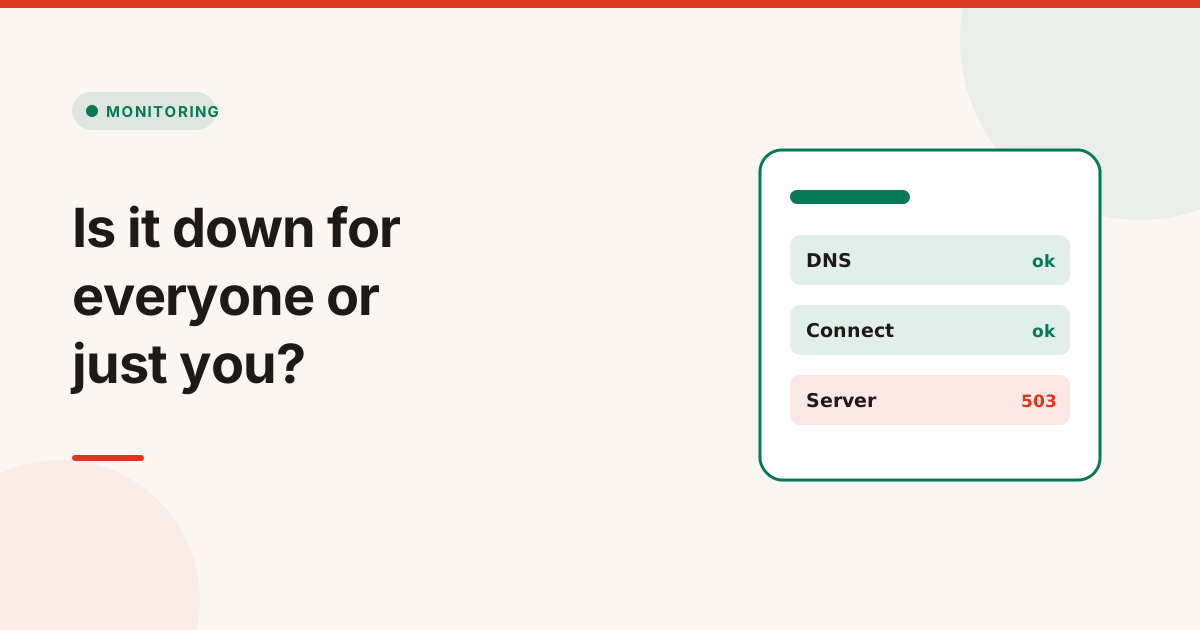
To check if a website is down, test it from somewhere other than your own device. If it loads elsewhere, the problem is on your side: your connection, DNS cache, browser or network. If it fails from outside too, the site is down for everyone, and the error you get tells you where it breaks: DNS, the connection, the certificate or the server.
Here is how to check if a website is down: the quick tests in order, what each error means, and what to do if it's your own site.
Is the website down for everyone or just you?
Start by ruling out your own setup. These checks take a minute:
- Try another site. If nothing loads, it's your connection.
- Try another device or network, such as your phone on mobile data instead of Wi-Fi.
- Open a private window, which skips cached files, cookies and most extensions.
- Check from outside with a website down checker, which requests the site from a server that isn't on your network.
If the site works from outside but not for you, the usual causes are a stale DNS cache, a VPN or firewall, a browser extension, or your network blocking the site.
What each website error means
The error you see points to the step that failed:
| What you see | Step that failed | Likely cause |
|---|---|---|
| "Server not found" or DNS_PROBE error | DNS | Domain expired, wrong DNS records, DNS provider outage |
| "Connection refused" or "timed out" | Connection | Server off, firewall, wrong IP address |
| Certificate or privacy warning | SSL | Expired or wrong certificate, missing chain |
| 500 Internal Server Error | Server | Application bug, failed deploy |
| 502 Bad Gateway or 504 Gateway Timeout | Server behind a proxy | App crashed or too slow behind a CDN or load balancer |
| 503 Service Unavailable | Server | Overload or maintenance |
| 403 Forbidden | Access | Security rule or firewall blocking the request |
MDN's reference for HTTP status codes explains each code in more detail.
How to tell where a site is failing
A full check runs the same steps a browser does and times each one:
- DNS lookup: does the domain resolve to an address?
- Connection: does the server accept a connection on port 443?
- TLS handshake: is the certificate valid for this host?
- Request: does the server answer, with which status code, and how fast?
A failure at step 1 is a DNS or domain problem, which nobody fixes by restarting the server. A failure at step 4 with a 5xx code is an application or server problem. Knowing the step saves the wrong team from chasing it.
Commands to check a site from your computer
If you're comfortable with a terminal, three commands cover the same steps:
nslookup example.comshows whether the domain resolves, and to which address.curl -I https://example.comrequests only the headers and shows the status code, or the error if the connection or certificate fails.curl -o /dev/null -s -w "%{time_total}" https://example.comshows how long the whole request took, in seconds. On Windows, useNULinstead of/dev/null.
They run from your own network, so they don't prove a site is down for everyone. They do tell you quickly which step fails.
Why a site can be down in one place only
A site can work in one country and fail in another. Common reasons are a CDN location having problems, DNS changes that haven't reached every resolver yet, a firewall or security service blocking some regions or networks, and an ISP routing problem. If reports come from one region only, check your CDN's status page and your firewall rules first.
What to do if your own website is down
- Confirm it from outside so you know it isn't just your network.
- Note the failing step and the time. Hosting support will ask for both.
- Check recent changes: a deploy, a DNS edit, an expired domain or certificate.
- Check your host's status page and your server's logs and resources (CPU, memory, disk).
- Roll back the last deploy if the problem started right after it.
- Tell people. A short status note beats silence.
Afterwards, set up monitoring so you hear about the next outage before your visitors do.
How long is too long for a website to be down?
Any outage costs something, but the cost grows with time: lost sales and leads first, then crawling problems if the site stays down for days. Search engines generally cope with short outages, especially when the server returns 503 during planned maintenance. Long or repeated outages are what cause lasting harm.
Check a site with the Website Down Checker
The Website Down Checker checks from our servers, in a few seconds, whether a site answers right now. It times each step, DNS, connection, SSL and the reply, shows the status code, and tells you where it failed. It also compares your result with other people's checks of the same site over the last 24 hours, so you can see whether it's down for everyone.
To catch outages without checking by hand, the Uptime Monitor checks your pages around the clock and alerts you only after a failure is confirmed. If the failing step is DNS, the DNS Checker shows which record is wrong, and for certificate warnings, use the SSL Checker.
Mots clés
- website down
- uptime
- dns
- troubleshooting
Questions et réponses
How can I tell if a website is down for everyone?
Check it from outside your own network, such as with a website down checker or another device on mobile data. If it fails there too, it's down for everyone, not just you.
Why does a website work for others but not for me?
Usually a stale DNS cache, a VPN or firewall, a browser extension, or your network blocking the site. A private window or another network often confirms which.
What does a 503 error mean?
503 Service Unavailable means the server is overloaded or in maintenance. It's usually temporary, and it's the right code for planned downtime.
Does website downtime hurt SEO?
Short outages rarely have a lasting effect. Long or repeated outages can, because search engines can't crawl the pages and may start to drop them.