مقالات المدونة مكتوبة باللغة الإنجليزية. باقي الموقع متاح بلغتك.
Monitoring
How to check if a website is down for everyone or just you
When a site won't load, the first question is whether it's down for everyone or just for you. Here are the quick checks to run, what each error tells you, and what to do next.
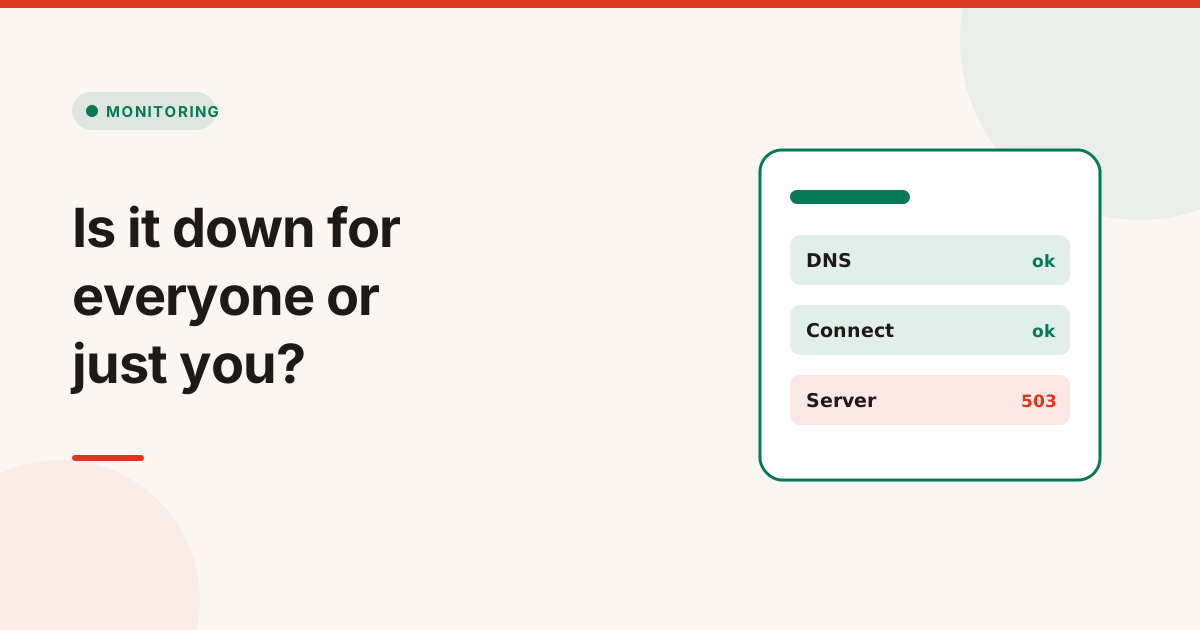
To check if a website is down, test it from somewhere other than your own device. If it loads elsewhere, the problem is on your side: your connection, DNS cache, browser or network. If it fails from outside too, the site is down for everyone, and the error you get tells you where it breaks: DNS, the connection, the certificate or the server.
Here is how to check if a website is down: the quick tests in order, what each error means, and what to do if it's your own site.
Is the website down for everyone or just you?
Start by ruling out your own setup. These checks take a minute:
- Try another site. If nothing loads, it's your connection.
- Try another device or network, such as your phone on mobile data instead of Wi-Fi.
- Open a private window, which skips cached files, cookies and most extensions.
- Check from outside with a website down checker, which requests the site from a server that isn't on your network.
If the site works from outside but not for you, the usual causes are a stale DNS cache, a VPN or firewall, a browser extension, or your network blocking the site.