Nos articles de blog sont rédigés en anglais. Le reste du site est disponible dans votre langue.
Technical SEO
Structured data testing tool: how to test schema markup now
Google retired its Structured Data Testing Tool years ago, but people still search for it. Here is what replaced it, how to test schema markup today, and how to fix the errors you will most often see.
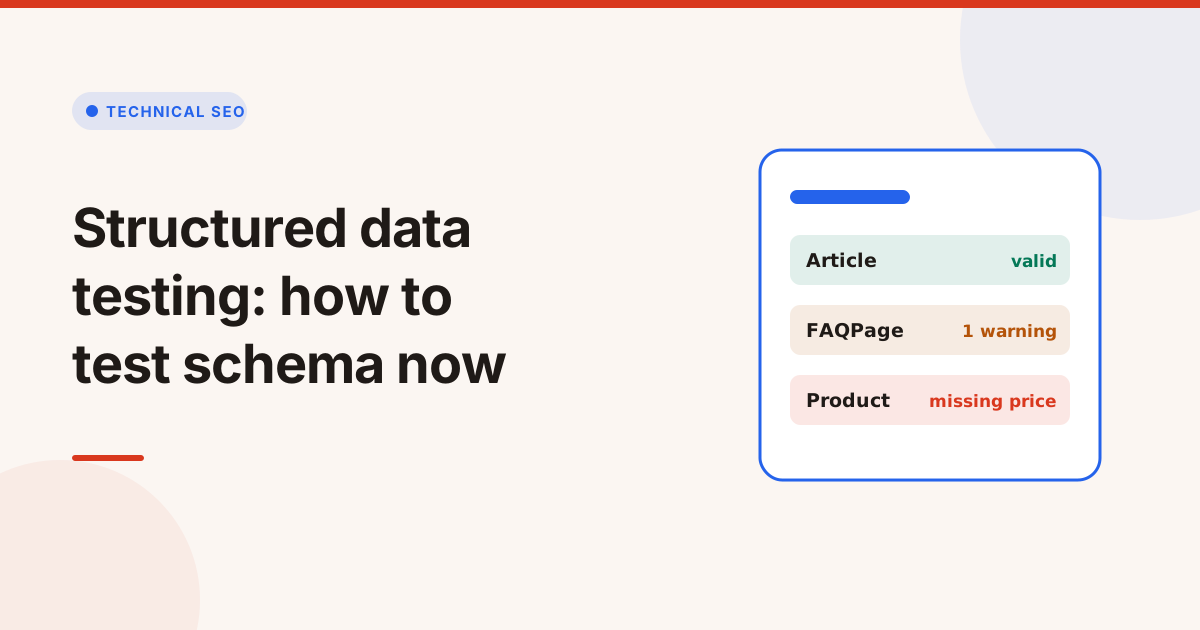
The Structured Data Testing Tool that Google once offered is gone. Google retired it in favour of the Rich Results Test, which checks markup against the rich results Google supports, and the general schema checker moved to schema.org as the Schema Markup Validator. To test schema markup today, you check two things: that the markup is valid, and that it has the fields Google needs for a rich result.
This guide explains what changed, how to test structured data step by step, and what the most common errors mean.
What happened to Google's Structured Data Testing Tool?
Google announced in 2020 that it would deprecate the Structured Data Testing Tool and point people to the Rich Results Test. After feedback, the general purpose checker was handed to schema.org, where it lives on as the Schema Markup Validator at validator.schema.org.
That leaves two jobs that are easy to mix up:
| Question | What answers it |
|---|---|
| Is my markup valid schema.org? | A general schema validator |
| Can this page get a Google rich result? | A check against Google's required and recommended fields |
Valid markup isn't always eligible for a rich result. A Product block can be perfectly valid schema.org and still miss the offers or review data Google needs to show it as a product result.
How to test schema markup, step by step
- Test the live URL, not just the code. Many sites add structured data with scripts or plugins, so the live page can differ from what you see in the editor.
- List every block. A page often has several:
Organizationfrom the theme,BreadcrumbListfrom a plugin, andArticlefrom the CMS. Duplicates and conflicts are common. - Check the syntax. Invalid JSON, such as a trailing comma or an unclosed bracket, makes the whole block unreadable.
- Check the type and fields. Make sure each block uses the right type and that values have the right format: dates in ISO 8601, prices as numbers, URLs as absolute addresses.
- Check required and recommended fields for the rich result you want.
- Match the visible page. Structured data must describe what visitors can see. Marking up reviews or FAQs that aren't on the page breaks Google's structured data guidelines.
Which structured data format should you use?
There are three formats, and Google reads all of them:
- JSON-LD: a script block separate from the HTML. It's the easiest to add and maintain, and it's the format Google recommends.
- Microdata: attributes inside the HTML elements.
- RDFa: another set of HTML attributes, common in some CMSs.
If you're starting fresh, use JSON-LD. If your theme already outputs Microdata, test it before you add a JSON-LD block of the same type, or you may end up with two conflicting copies.
Common schema markup errors and how to fix them
| Error | What it means | Fix |
|---|---|---|
| Missing required field | Google can't build the rich result | Add the field, such as name, image or offers |
| Invalid value type | A value has the wrong format | Use numbers for prices, ISO 8601 for dates |
| Parsing error | The JSON can't be read | Fix commas, quotes and brackets |
| Wrong type | The block describes the wrong thing | Use Article for posts, Product for products |
| Duplicate blocks | Two blocks of the same type disagree | Keep one source, usually the CMS or one plugin |
| Markup not on the page | Data describes hidden content | Mark up only what visitors can see |
Rich result types worth testing
These are the types most sites use, with the fields that matter most. Google's rules change over time, so check its current documentation for the type you need:
| Type | Used for | What Google needs |
|---|---|---|
Article | Blog posts and news | No required fields; headline, image, datePublished and author are recommended |
Product | Product pages | name, plus at least one of offers, review or aggregateRating |
BreadcrumbList | Breadcrumb trails | itemListElement, with a name, item and position for each step |
Organization | Your company | url and logo help Google show the right logo |
LocalBusiness | Shops and offices | name and address |
FAQPage | Question and answer pages | Since 2023, Google shows FAQ rich results only for well known government and health sites |
The FAQPage change catches many sites out: the markup is still valid and harmless, but most sites won't see FAQ rich results from it any more. HowTo rich results were retired in the same period.
Warnings for missing recommended fields don't block a rich result, but adding them often makes the result more complete, for example with a rating or an author.
Does structured data help SEO?
Structured data helps Google understand a page and makes it eligible for rich results, which can make your listing stand out. It isn't a direct ranking boost, and eligibility isn't a promise: Google decides when to show a rich result. Treat it as a way to describe your page accurately, not as a trick.
Test schema markup with the Schema Markup Validator
Our Schema Markup Validator takes a page address or pasted code and, in a few seconds, reads every JSON-LD, Microdata and RDFa block. It shows the types and fields each block uses, checks them against Google's required and recommended fields for rich results, catches invalid JSON and wrong value types, and gives you a tidy copy of each block to paste back.
For the rest of a page's technical setup, such as canonical, hreflang and indexing, run the Technical SEO Checker. To see whether competitors use structured data you don't, put the pages side by side in Competitor Page Compare.
Mots clés
- structured data
- schema markup
- rich results
- json-ld
Questions et réponses
Does Google still have a Structured Data Testing Tool?
No. Google retired it and recommends the Rich Results Test for checking eligibility for rich results. The general schema checker moved to schema.org as the Schema Markup Validator.
What is the difference between valid schema and rich result eligibility?
Valid schema follows the schema.org vocabulary. Rich result eligibility means the markup also has every field Google requires for that result type. A block can be valid and still not be eligible.
Which schema format is best?
JSON-LD is the easiest to add and maintain, and it's the format Google recommends. Microdata and RDFa also work if your platform already uses them.
Will structured data improve my rankings?
It doesn't directly raise rankings. It helps Google understand the page and can make it eligible for rich results, which Google may or may not show.