हमारे ब्लॉग लेख अंग्रेज़ी में लिखे गए हैं। साइट का बाकी हिस्सा आपकी भाषा में उपलब्ध है।
Reporting
Client SEO report: what to include, what to cut, and how to prove the work
A client SEO report should show what changed, what you fixed, what is still open and what comes next, with proof. Here is a section by section template, a worked example and the mistakes to avoid.
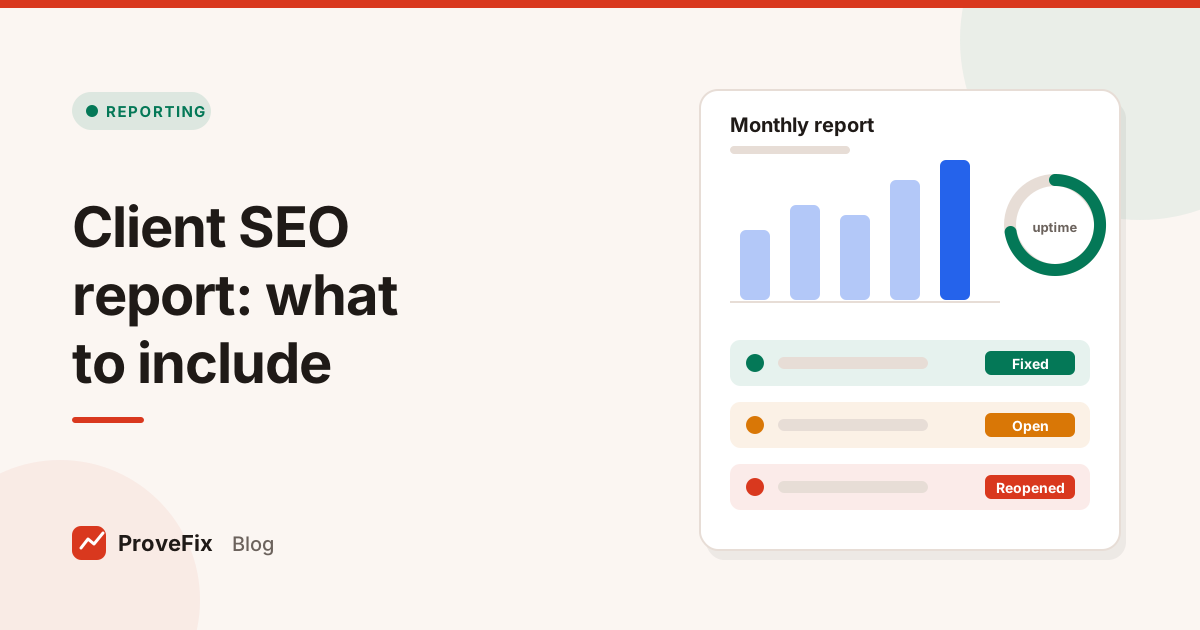
A client SEO report is a regular update that shows a client what changed on their site, what you fixed, what is still open, and how search performance moved. The best ones are short, honest, and backed by proof for every claim.
This guide gives you a section by section client SEO report template, a worked example, and the mistakes that make clients stop reading.
In this guide
- What a client SEO report is for
- The sections to include
- How to show proof of fixes
- A worked example
- Common reporting mistakes
What is a client SEO report for?
A client SEO report exists to answer three questions the client is quietly asking: is my site healthy, what did you do, and is it working? Everything in the report should serve one of those three questions. Anything that doesn't is padding.
A report is also your record. When a client asks in six months why a section of pages dropped, a history of incidents, fixes and dates lets you answer with facts.
What to include in a client SEO report
Include a summary, search performance, work completed with proof, issues fixed and still open, site health, and next steps. Put the summary first and keep it to a few lines.
| Section | What goes in it | Where the data comes from |
|---|---|---|
| Summary | 3 to 5 lines: the headline result, the biggest fix, the biggest risk | Your judgement, based on the sections below |
| Search performance | Clicks, impressions and click rate for the pages that matter, compared with the last period | Google Search Console |
| Work completed | Tasks finished this period, each with its proof | Your task or ticket system |
| Issues | New, fixed, reopened and recurring issues | Your crawl and issue checks |
| Site health | Uptime, confirmed outages, certificate status | Your uptime monitor |
| Still open | What is waiting, who it is waiting on, and why | Your ticket system |
| Next period | The 3 to 5 most important planned tasks | Your plan |
Summary
Write it last. One sentence each for the most important result, the most important fix and the most important open risk. If a client reads only this, they should still know where things stand.
Search performance
Use Search Console as the main source, because it reports what Google actually showed and what people clicked. Compare like with like: this month against last month and against the same month last year for seasonal sites. Show the pages that matter to the business, not the whole site average.
Work completed, with proof
List each finished task with a line of proof. "Fixed canonical on 340 category pages, verified 12 Oct" says more than "technical SEO improvements". Proof can be a before and after of the tag, a status code that changed from 404 to 200, or a re-check result.
Issues: new, fixed, reopened, recurring
These four counts tell the real story of site health. New issues show risk coming in. Fixed issues show progress. Reopened issues show fixes that didn't hold. Recurring issues point at a process problem, such as a deploy step that keeps breaking the same thing.
Site health
Report uptime as a percentage for the period, plus each confirmed outage with its start, end and cause. Clients understand outages better than they understand canonicals.
Still open, and why
Be specific about who each item waits on. "Waiting on the client's developer since 3 Oct" is uncomfortable but useful. It protects you and gets things moving.
How to show proof in a client SEO report
Show proof by linking each claim to the exact check that confirms it: the URL, what was wrong, what it is now, and when it was checked. A claim without proof is an opinion.
There are two kinds of "done", and a good report keeps them apart:
- Fix verified: the check that found the problem now passes on every affected URL.
- Search recovery seen: Search Console shows the change, such as pages returning to the index. This can take weeks, because Google has to recrawl the pages.
Mixing these up is how agencies over promise. Report the first as soon as it is true. Report the second only when you see it in the data. Our guide on technical SEO checklist covers the re-check method step by step.
A worked example
Here is an example of a short monthly summary for a fictional online store, written to the template above:
Clicks to category pages rose compared with last month, and impressions on the new guides section started to appear. We fixed and verified the broken canonicals on 340 category pages. One outage on 9 October lasted 17 minutes and was caused by a failed plugin update. Still open: 52 product pages with duplicate titles, waiting on the client's developer since 3 October.
Notice what it does. It gives one result, one verified fix, one incident with a cause and one open item with an owner. It makes no promise about rankings. Every number in it can be traced to a check or a ticket.
How often should you send a client SEO report?
Send a full client SEO report monthly for most clients, and send incident notes as they happen. Monthly matches how fast search data settles and gives fixes time to be verified.
Some clients need a different rhythm:
| Client situation | Report rhythm |
|---|---|
| Steady retainer | Monthly report, plus incident notes as needed |
| Site migration or relaunch | Weekly during the change, then monthly |
| Large site with many deploys | Monthly report, plus a short weekly issue list |
| Small local business | Monthly or quarterly, kept very short |
Whatever the rhythm, send critical news the day it happens. A client should never learn about an outage or a sitewide noindex from the monthly report. The report is the record. It is not the alarm.
Agree the date and format at the start of the work, and keep them stable. A report that arrives on the same day each month, in the same layout, is far easier to compare over time.
How to build the report without losing a day
Build the report from systems that already hold the facts, not from screenshots pasted by hand.
- Pull search data from Search Console for the agreed pages and period.
- Export the task list for the period, with status and proof links.
- Count issues by new, fixed, reopened and recurring.
- Add uptime and the list of confirmed outages.
- Write the summary last, from what the sections show.
- Send a read only link if your tools allow it, so the client sees the same proof you do.
the platform is designed with this in mind. Its Fix Tracker produces a client report with the client's logo and a read only link, built only from real data: new, fixed, reopened and recurring issues, uptime and incident history. It never promises rankings or traffic. To see how tasks get into the tracker in the first place, read Fix Tracker.
Common client SEO report mistakes
These mistakes make clients skim, doubt, or stop reading.
- Leading with a wall of charts. Start with the summary. Charts support it.
- Reporting tool scores. A site health score from a third party tool is not something Google uses. Report findings and fixes instead.
- Claiming credit for every rise. Seasonality, news and algorithm updates move traffic too, as Google's guide to debugging drops in Search traffic points out. Say what you did and what you saw, and keep them separate.
- Hiding what is stuck. Clients notice silence. Name the blocker and the owner.
- No proof. "We optimised 40 pages" invites the question "how?". A before and after answers it.
- Promising rankings. Nobody controls rankings. Promise clear work and proof that the fixes hold.
टैग
- seo reporting
- client seo report
- agencies
- seo report template
सवाल और जवाब
What should a monthly SEO report include?
Include a short summary, search performance from Search Console, the work completed with proof, the issues found and fixed, what is still open and why, site health such as uptime, and the plan for next month. Keep each section to what the client can understand and act on.
How long should a client SEO report be?
As short as it can be while still answering the client's questions. A one page summary on top, with detail sections below for anyone who wants them, works for most clients. If nobody reads page six, cut page six.
How do I show SEO progress when rankings haven't moved?
Show the work and its proof: issues fixed and verified, pages that are now indexable, outages caught and closed, and leading signals such as impressions on target pages. Be clear that search engines take time to recrawl and that fixes are verified before any search result changes.
Should a client SEO report include rankings?
Rankings can help as context, but they move daily, differ by location and device, and are easy to misread. Lead with Search Console clicks and impressions for the pages that matter, and use rankings for a few agreed terms only.
What is the difference between an SEO audit and a client SEO report?
An audit is a one off deep check of a site's problems. A client SEO report is a regular update on progress: what changed, what was fixed, what is still open and what comes next. The audit feeds the report's backlog.