हमारे ब्लॉग लेख अंग्रेज़ी में लिखे गए हैं। साइट का बाकी हिस्सा आपकी भाषा में उपलब्ध है।
Technical SEO
301 vs 302 redirect: which one to use and when
A 301 says a page moved for good, a 302 says it moved for now. Picking the wrong one confuses search engines about which URL to index. Here is when to use each, plus 307, 308, chains and loops.
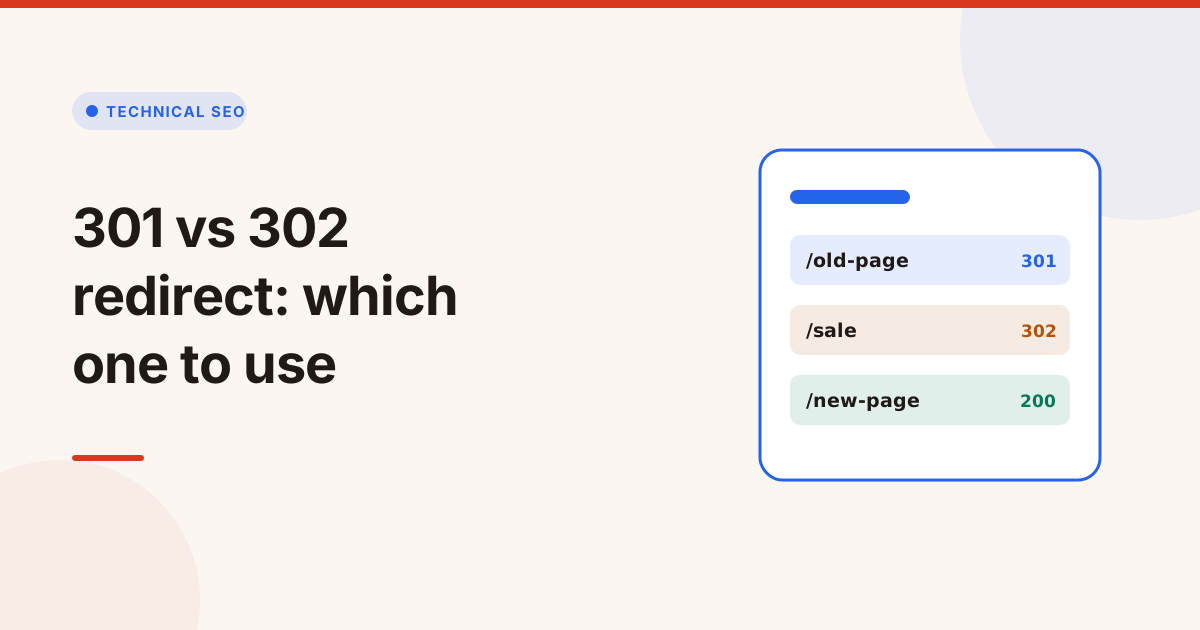
Use a 301 redirect when a page has moved for good, and a 302 redirect when the move is temporary and the original URL will come back. A 301 tells search engines to move the page's signals to the new address and index that instead. A 302 tells them to keep the original URL in the index. Choosing the wrong one usually doesn't break anything at once, but it sends search engines a mixed message about which URL is the real one.
The 301 vs 302 redirect choice comes down to one question: will the old URL ever come back? This guide covers what each code means, when to use 307 and 308, and how to find redirect chains and loops.
What is the difference between a 301 and a 302 redirect?
Both send visitors to a new address, so people can't tell them apart. The difference is the message they send to browsers and search engines:
| Code | Name | Meaning | Search engines |
|---|---|---|---|
| 301 | Moved Permanently | The page lives at the new URL now | Index the new URL, move signals to it |
| 302 | Found | The page is somewhere else for now | Usually keep the old URL indexed |
| 307 | Temporary Redirect | Like 302, but the method must not change | Treated like 302 |
| 308 | Permanent Redirect | Like 301, but the method must not change | Treated like 301 |
Browsers also cache 301 redirects much more aggressively than 302s. If you set a 301 by mistake, some visitors' browsers will keep following it even after you remove it.
When to use a 301 redirect
Use a 301 (or 308) when the old URL should never come back:
- You changed a URL or slug.
- You moved to HTTPS or between www and the bare domain.
- You merged two pages into one.
- You moved to a new domain.
- You retired a page and a close replacement exists.
Google treats a long standing 302 like a permanent redirect eventually, but it's clearer to say what you mean from the start. Google's guide to redirects covers how each type is handled.
When to use a 302 redirect
Use a 302 (or 307) when the original URL will be used again:
- A short promotion that sends a category page to a sale page for a week.
- Maintenance that sends visitors to a notice page for a few hours.
- A/B tests that send part of the traffic to a variant.
- Location or language suggestions that send visitors to a local page without replacing the main URL.
If a "temporary" redirect is still there after several months, ask whether it's really permanent and change it to a 301.
How to set up a 301 redirect
How you add a redirect depends on your server or platform. Two common examples:
On Apache, in the site's .htaccess file:
Redirect 301 /old-page https://example.com/new-pageOn Nginx, inside the server block:
location = /old-page {
    return 301 https://example.com/new-page;
}
Most CMSs, such as WordPress with a redirect plugin, and most hosting dashboards let you add redirects without editing files. Whichever you use, keep all rules in one place, so they can't conflict with each other.
Redirect chains and loops
A redirect chain is a series of redirects, such as http://example.com/page → https://example.com/page → https://www.example.com/page → https://www.example.com/new-page. Each hop costs time for visitors and crawl budget for search engines, and Google may stop following a very long chain.
A redirect loop is a chain that comes back to where it started, so the page never loads. Browsers show "too many redirects".
How to fix them:
- Redirect straight to the final URL. Update old rules so every old address points directly to the end page.
- Update internal links to the final URL, so visitors and crawlers skip the redirect entirely.
- Put the HTTPS and www rules in one step instead of two separate redirects.
- Look for conflicting rules between the CMS, the server and the CDN, which is the usual cause of loops.
Redirects in a site migration
A migration is where redirects matter most, because every old URL with links or traffic needs a new home. Build a redirect map before launch: a list of every old URL and the single new URL it should point to. Use 301s throughout, test the map on a staging copy, and keep the redirects in place for at least a year, since Google and other sites take time to update. After launch, check the old URLs from your analytics and sitemaps return one hop to a page that answers 200.
Common redirect mistakes
- Redirecting everything to the home page after a migration. Map each old URL to its closest new page.
- Using a 302 for a permanent move and leaving it for years.
- Redirecting HTTPS back to HTTP, which browsers may warn about.
- Forgetting the other host: checking
wwwbut not the bare domain, or the other way round. - Leaving old internal links that go through three redirects to reach a page.
Check redirects with the Redirect Checker
The Redirect Checker requests any address without following redirects, then follows each Location header one hop at a time, up to 10 hops. It shows the status code, address and time of every hop, spots chains, loops and HTTPS pages sent back to HTTP, checks the www and bare versions of the domain, and explains what each status code means.
To find redirect chains across a whole site, run the Website Audit. Links that point to redirected pages also show up in the Broken Link Checker, so you can update them to the final address.
टैग
- redirects
- 301 redirect
- 302 redirect
- technical seo
सवाल और जवाब
Is a 301 or 302 redirect better for SEO?
Neither is better in general. Use a 301 when a page has moved for good, so its signals move to the new URL, and a 302 when the original URL will return.
Does a 302 redirect pass link value?
Google can pass signals through both. The real difference is which URL Google indexes: the new one for a 301, usually the original for a 302.
What is the difference between 301 and 308?
Both are permanent. A 308 also requires the browser to keep the same request method, such as POST, which matters for forms and APIs.
How many redirects in a chain is too many?
Aim for one hop. Every extra hop slows visitors and crawlers, and Google may stop following very long chains, so point old URLs straight at the final page.