हमारे ब्लॉग लेख अंग्रेज़ी में लिखे गए हैं। साइट का बाकी हिस्सा आपकी भाषा में उपलब्ध है।
Technical SEO
Canonical tag guide: when to use it and mistakes to avoid
A canonical tag names the main version of a page. Learn when to use self-referencing canonicals, how to handle duplicates, and how to audit canonicals across a whole site.
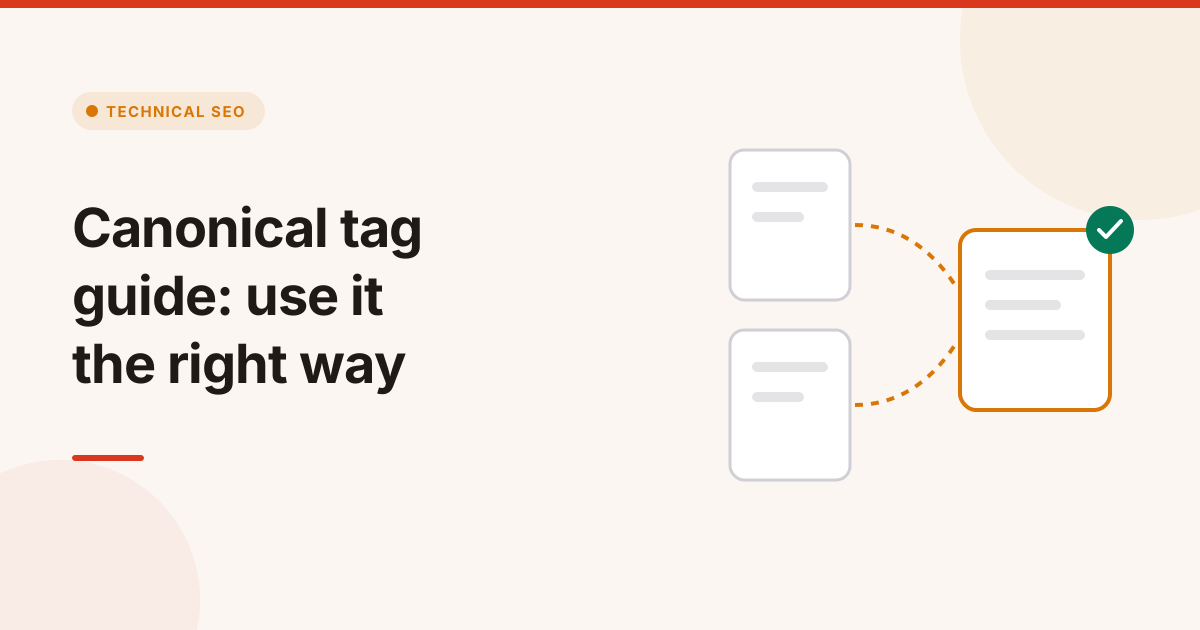
A canonical tag tells search engines which URL is the main version of a page when the same or very similar content is reachable at several addresses. It is a single line in the page's head, and when it points to the wrong place it can pull a page out of Google without any warning.
This canonical tag guide covers how the tag works, when to use it, and the errors that cause the most damage.
In this guide
- What a canonical tag is
- When you need a canonical tag
- How to add a canonical tag correctly
- Canonical tag mistakes that hurt rankings
- How to audit canonicals across a site
What is a canonical tag?
A canonical tag is a link element with rel="canonical" that names the preferred URL for a page, such as <link rel="canonical" href="https://example.com/shoes/" />. Search engines use it to decide which URL to show in results and where to combine ranking signals.
Duplicate URLs appear more often than most site owners realise:
- Tracking parameters, such as
?utm_source=newsletter - Sorting and filter options, such as
?sort=price - Protocol and host versions, such as
http://andwww - Printer or session versions of the same page
- Syndicated copies of an article on another site
Google treats the canonical tag as a strong hint, not a command. It weighs the tag together with redirects, internal links and sitemaps, and it can choose a different URL when those signals disagree.
When do you need a canonical tag?
You need a canonical tag on every indexable page. Use a self-referencing canonical by default, and point to another URL only when the page truly duplicates that URL.
| Situation | Canonical points to |
|---|---|
| A normal, unique page | Itself |
| The same page with tracking parameters | The clean URL without parameters |
| Product variants with near-identical content | The main product page |
| Paginated pages 2, 3 and so on | Each page itself, not page 1 |
| Translated versions | Each language page itself, with hreflang linking them |
| An article republished on a partner site | The original article |
How to add a canonical tag correctly
Add one canonical tag in the <head> of each page, using an absolute URL that returns 200 and is indexable. That is the whole recipe, and every step of it matters.
- Use an absolute URL. Write
https://example.com/page/, not/page/. - Keep exactly one. Two canonical tags with different targets make Google ignore both.
- Put it in the head. A canonical tag in the body is ignored.
- Match your other signals. The canonical URL should be the one in your sitemap, your internal links and your hreflang tags.
- Use the HTTP header for files. For PDFs and other non-HTML files, send
Link: <https://example.com/guide.pdf>; rel="canonical"as a response header.
Canonical tag mistakes that hurt rankings
These canonical tag mistakes are among the most damaging technical SEO errors, because they look harmless in the code and only show up as lost traffic.
- Every page canonicalised to the home page. A template bug sends all signals to
/, so Google drops the inner pages. - Canonical to a URL that redirects or returns 404. The target must be a live, final URL with a 200 status.
- Canonical to a
noindexpage. This sends mixed signals: "this is the main page" and "do not index this page". - Paginated pages pointing to page 1. Google then stops indexing the products or posts on later pages.
- Translated pages pointing to English. Each language version should canonicalise to itself and use hreflang for the connection.
- Relative or mixed-protocol URLs. A canonical to
http://on anhttps://site invites Google to pick its own answer. - Canonical tags added by JavaScript only. Put the tag in the server HTML so it is there on the first read.
How to audit canonicals across a site
Audit canonicals by crawling the whole site and comparing each page's canonical with its own URL, its status code and the URLs in your sitemap.
- Crawl the site. The Website Audit records the canonical of every page and lets you filter for pages whose canonical points elsewhere.
- Check the targets. Every canonical target must return 200 and be indexable. The SEO Issue Checker flags canonicals that are missing, duplicated or pointing to a bad URL, and saves the URL, the canonical value and the target's status as proof.
- Compare with the sitemap. Any URL in your sitemap should canonicalise to itself.
- Watch for sudden changes. A deploy can rewrite canonicals across a template overnight. The Change Monitor groups those changes into one incident instead of hundreds of alerts.
Google explains how it picks a canonical in its guide to consolidating duplicate URLs.
The short version
Give every indexable page one self-referencing, absolute canonical tag in the head, and point elsewhere only for true duplicates. Keep canonicals consistent with redirects, sitemaps and internal links, and audit them after every major release. If several pages fight for the same query, read the keyword cannibalization guide next.
टैग
- canonical tag
- duplicate content
- technical seo
- indexing
सवाल और जवाब
Is a canonical tag a directive?
No. Google treats a canonical tag as a strong hint. It weighs it together with redirects, internal links and sitemaps, and it can choose a different URL when those signals disagree.
Should every page have a self-referencing canonical?
Yes, for indexable pages. A self-referencing canonical confirms the preferred URL and protects the page from parameter and tracking duplicates.
Can I point paginated pages to page 1?
No. Each paginated page should canonicalise to itself. Pointing them all to page 1 can stop Google from indexing items that only appear on later pages.
How do I set a canonical for a PDF?
Send a Link header with rel canonical in the HTTP response for the PDF, because PDFs have no HTML head to hold the tag.
What if my canonical points to a redirect?
Fix it. A canonical target should be the final URL that returns 200 and is indexable. Pointing to a redirect or an error page sends mixed signals.